There might be some cases when would like to turn off Windows Firewall in Windows Vista, which is on by default settings. We will show you two easiest way to change your firewall stats in Windows Vista.
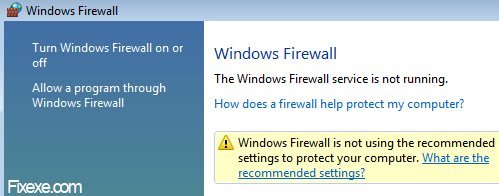
Here is how to turn off Windows Firewall in Windows Vista:
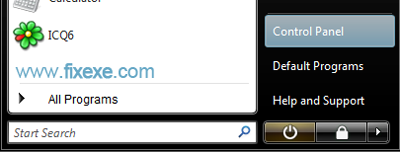
- click on Windows start button

- select Control Panel
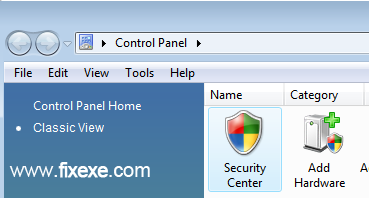
- in a class view click on Security Center
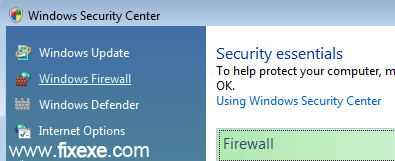
- in Windows Security Center click on Windows Firewall
- in Windows Firewall window click on change setting
- now you can finally turn off firewall by selecting “off” in Windows Firewall Settings
- to confirm new firewall status click OK button
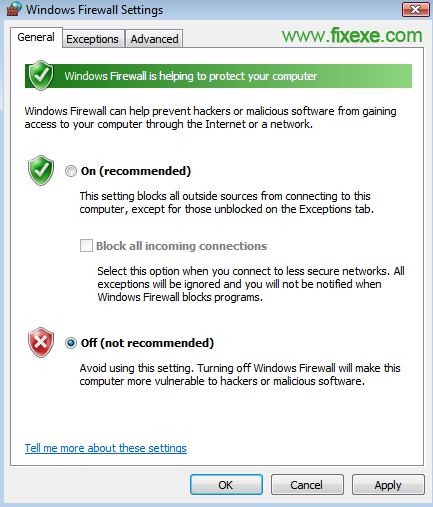
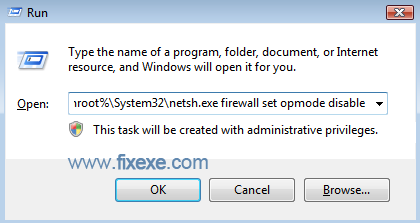
More advanced users can also use this command to turn Windows Firewall “off” or “on”.
- in run write command listed below, and hit enter
%systemroot%\System32\netsh.exe firewall set opmode disable

Can you please show me result and details of why they tempory locked my account
I couldn’t use Norton properly as long built-in firewall was running. Thanks!
@Christine
I am glad we helped you solve it Christine.
Thank you. This Windows Firewall was driving me crazy!