Have you installed 4GB amount of memory (RAM), but Windows is reporting only 3.3GB or some random number which is not correct? Problem is if you have 32 bit processor and 32 bit OS, it can address 2^32 addresses which is no more than 4GB of RAM.
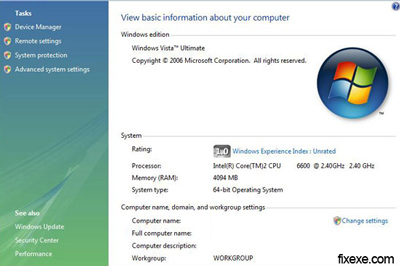
Here we will present you few tips and solutions to fix your memory (RAM) issue:
- For those who use Windows XP 32-bit I recommend you to upgrade to Windows Vista 32 or 64-bit
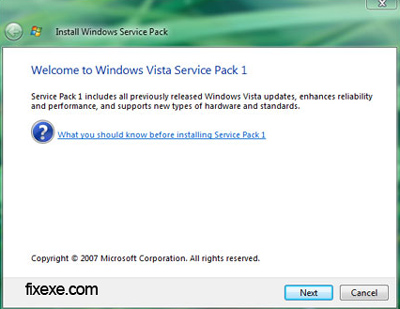
- If you have Vista 32-bit, but Windows is reporting only 3.3GB follow we suggest you to install SP1 as service pack includes reporting of installed system memory (RAM)
- If you have Vista 64-bit, you have nothing to worry about as Vista x64 can already report more than 4GB of system memory (RAM)

I’ve got 32 bit
@Theuntje
Do you have 32bit or 64bit?
Well.. the nice thing is that my bios says it is 4 gig.. Ubuntu 9.04 also says I’ve got 4 gig of ram..
If so, I suggest you restoring your bios settings to default. It might not be a problem in Vista.
I’ve got vista..
Do you have Vista or Xp?
I’ve got SP1 installed.. but it still doens’t show my 4 gig..
Well it does show it when you check it in the computer specs.. but task manager only says that there is 3 gig..
Guys who have more than 4GB, should get Windows Vista x64 anyway!
thank you guys… upgrading to SP1 have solved 3.3GB memory problem.