You might have heard about the concept of adding extra and additional RAM, improve the performance of computers. A relatively new introduction to this concept is the idea of Windows his connection was given to this cyst by the manufacturers of ReadyBoost. This is meant for Windows Vista and has been launched by Microsoft.
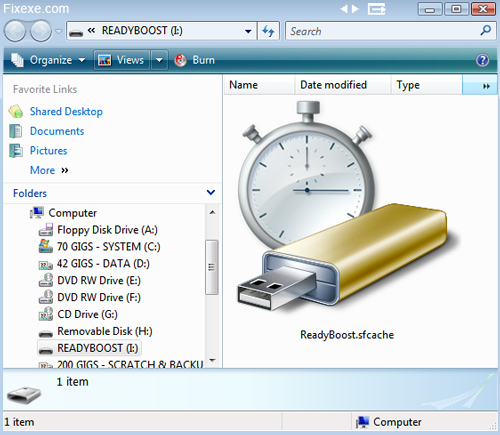
The idea is to make use of the non-volatile flash memory, like the USB flash drive for improving the performance of your computer. This avoids the need to have extra memory for improving performance.
This flash memory device will act as an extra memory cache. This will hence, be a memory which the computer can access faster than that resides on the hard drive. The ready boost concept is based on the Windows SuperFetch and will help in considerable improvement of the responsiveness of the system.
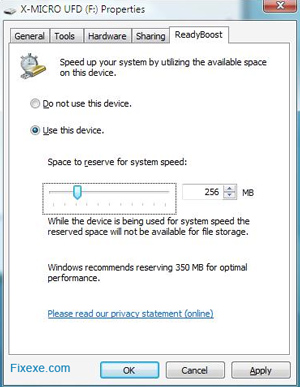
Using ReadyBoost is very easy. You can simply inset the device to the port after which Vista will check for a performance analysis to know if it can work with it. You will be prompted if you want to use it for improving the performance. You will have the option to allocate the memory of the USB drive for increasing the performance of the system.

how can i get my facebook id when my account is hacked
It depends on how many GB of RAM you have at the moment. If you have less than 1GB, ReadyBoost might actually help you. Otherwise don’t expect wonders!
I have a friend who set ReadyBoost and he has confirmed that it helps a lot. Especially because he has only 1GB memory, and probably not enough to run Vista properly.